

Overview
Microsoft deprecated the Message Trace service and replaced it with Graph Message Trace. The following guide will walk you through initial setup and configuration.
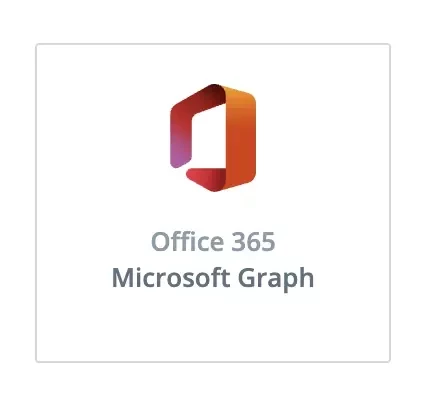
The Microsoft Graph Message Trace service is available through a new source tile:
App Registration & Permissions
-
Create an app registration in the Azure portal - link
-
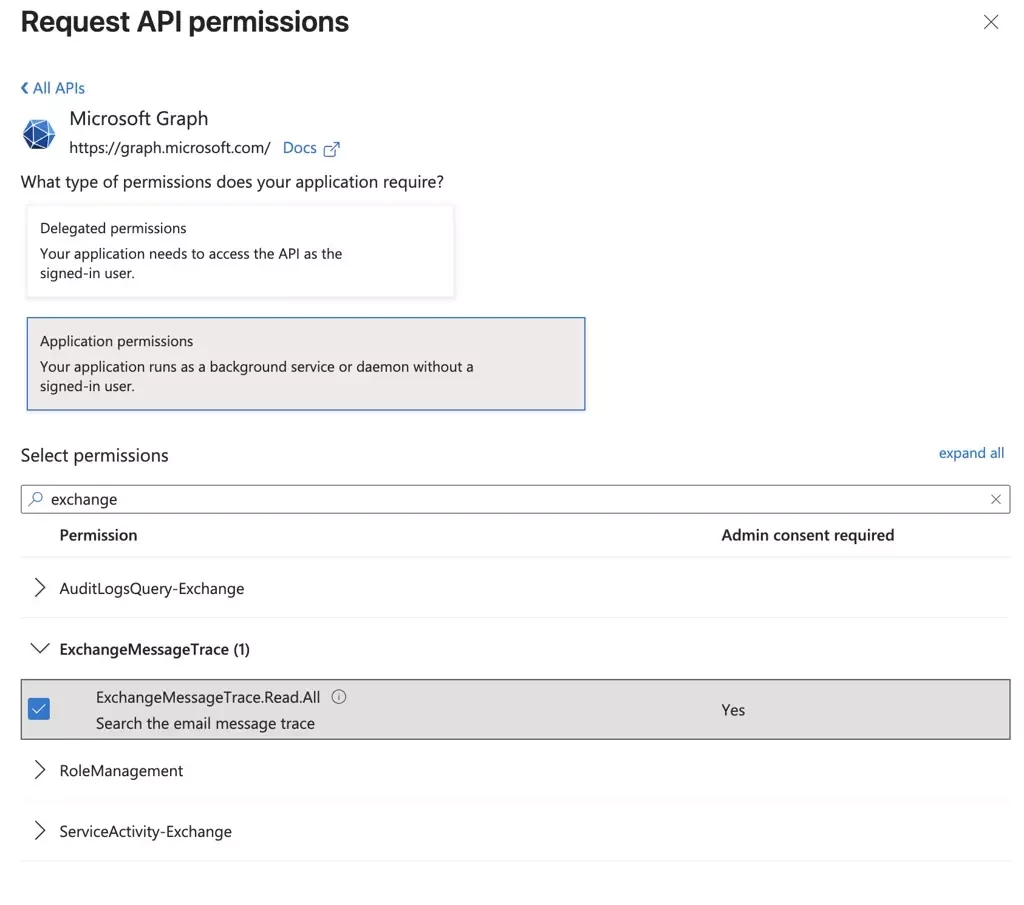
Add application permission
ExchangeMessageTrace.Read.Allunder Microsoft Graph
-
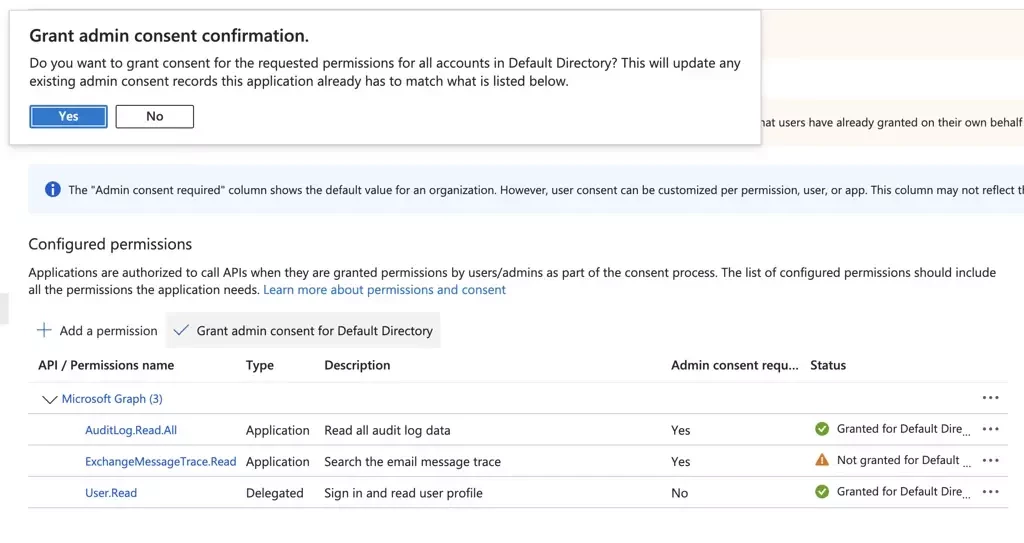
Grant admin consent
Gather Credentials
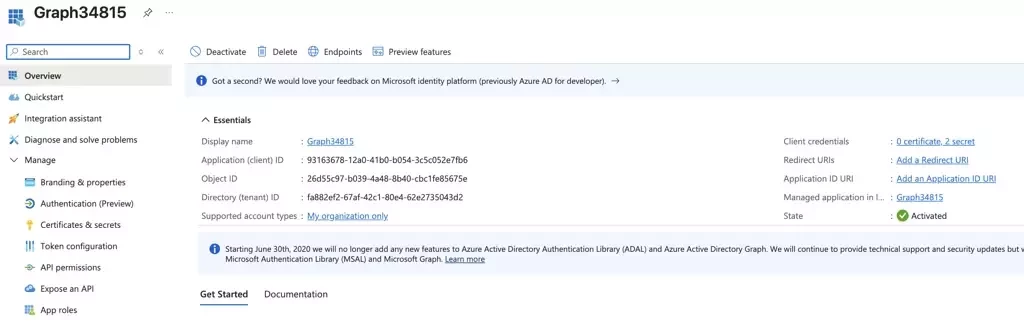
-
Record the Application (client) ID and Directory (tenant) ID
-
Create a new client secret
-
Record the Value (not the secret ID) before moving to a new page. This value will only be available when the secret is created.
The combination of client_id, secret_id and tenant_id will be used to authenticate with the Graph API.
.
Verify Credentials
Microsoft credentials can be verified independently using API calls before creating a new pull source.
-
Request an access token using the
tenant,client_idandclient_secret POST https://login.microsoftonline.com/{{tenant}}/oauth2/v2.0/token-
Use the
access_tokenfrom the response body to authenticate all Graph API requests -
Try a simple request that is not related to Message Traces with Bearer
{{access_token}} GET https://graph.microsoft.com/v1.0/users?$top=5
Invalid credentials will result in an error message:
{ "error": { "code": "InvalidAuthenticationToken", "message": "Lifetime validation failed, the token is expired.", "innerError": { "date": "2026-02-24T22:56:47", "request-id": "57283d40-eec9-4348-a798-12918cd6f48c", "client-request-id": "57283d40-eec9-4348-a798-12918cd6f48c" } } }
Service Principal
Microsoft’s Message Trace integration with Graph does not support service principal-less authentication. Without the service principal, all authentication requests will fail with a 401 response code.
This step only needs to be done once per tenant. If your app is multi-tenant, each tenant must have an individual service principal.
-
Create a Service Principal for the appID "8bd644d1-64a1-4d4b-ae52-2e0cbf64e373". Yes, this exact appID.
POST https://graph.microsoft.com/v1.0/servicePrincipals { "appId" : "8bd644d1-64a1-4d4b-ae52-2e0cbf64e373" }
-
Confirm your tenant has a service principal for App ID. Tenant propagation may take several hours.
GET https://graph.microsoft.com/v1.0/servicePrincipals?$filter=appId eq '8bd644d1-64a1-4d4b-ae52-2e0cbf64e373'
Source Configuration
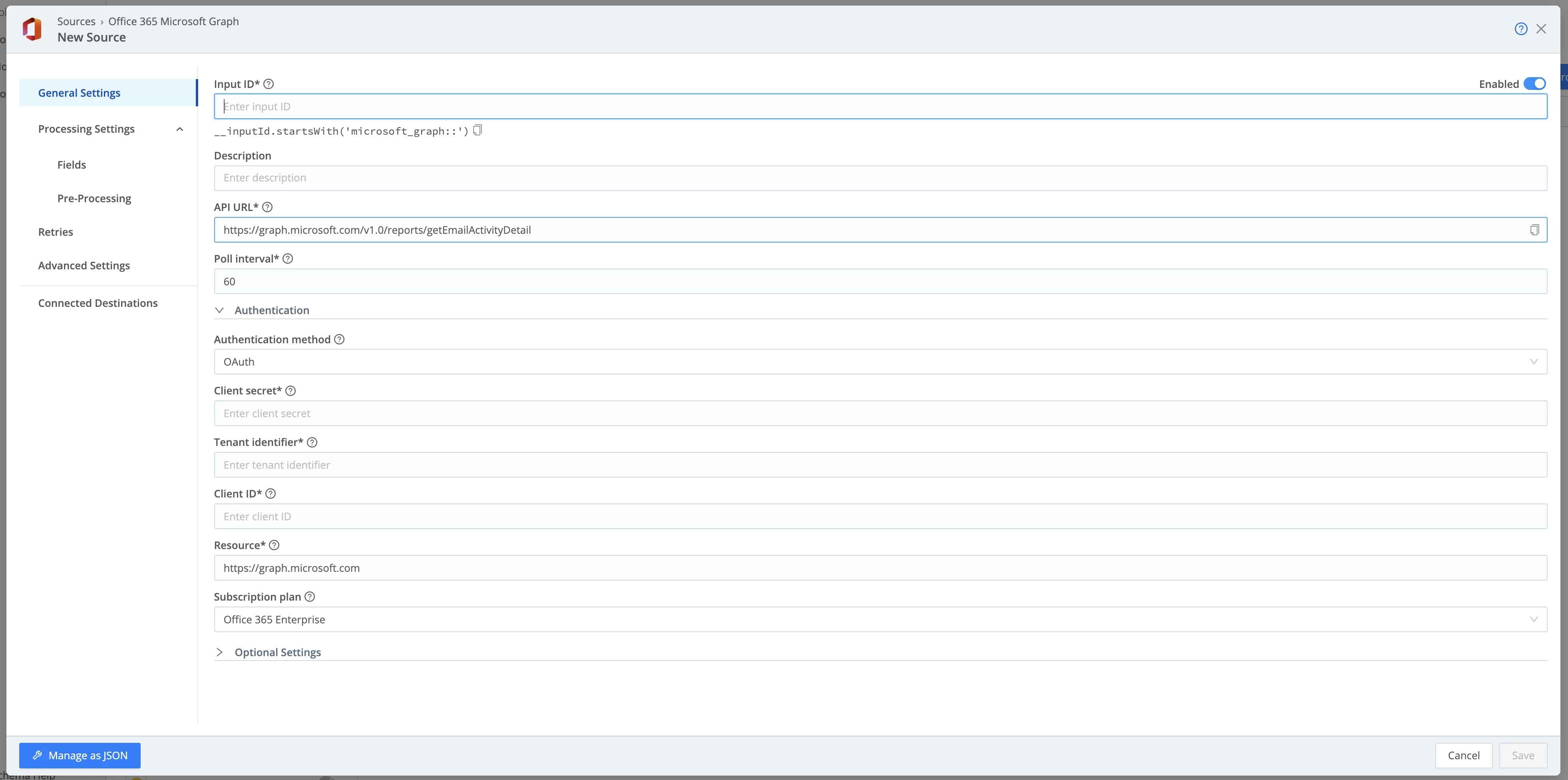
The pull source runs as a scheduled collector with the option to run a collection on demand using the Run button.
-
Create a new Microsoft Graph Message Trace pull source
-
The API URL is pre-configured for the message trace endpoint
-
Select Authentication Method of OAuth.
-
Enter the combination of client_id, secret_id and tenant_id to authenticate with the Graph API.
-
Set the desired poll interval
-
Save
Confirmation
-
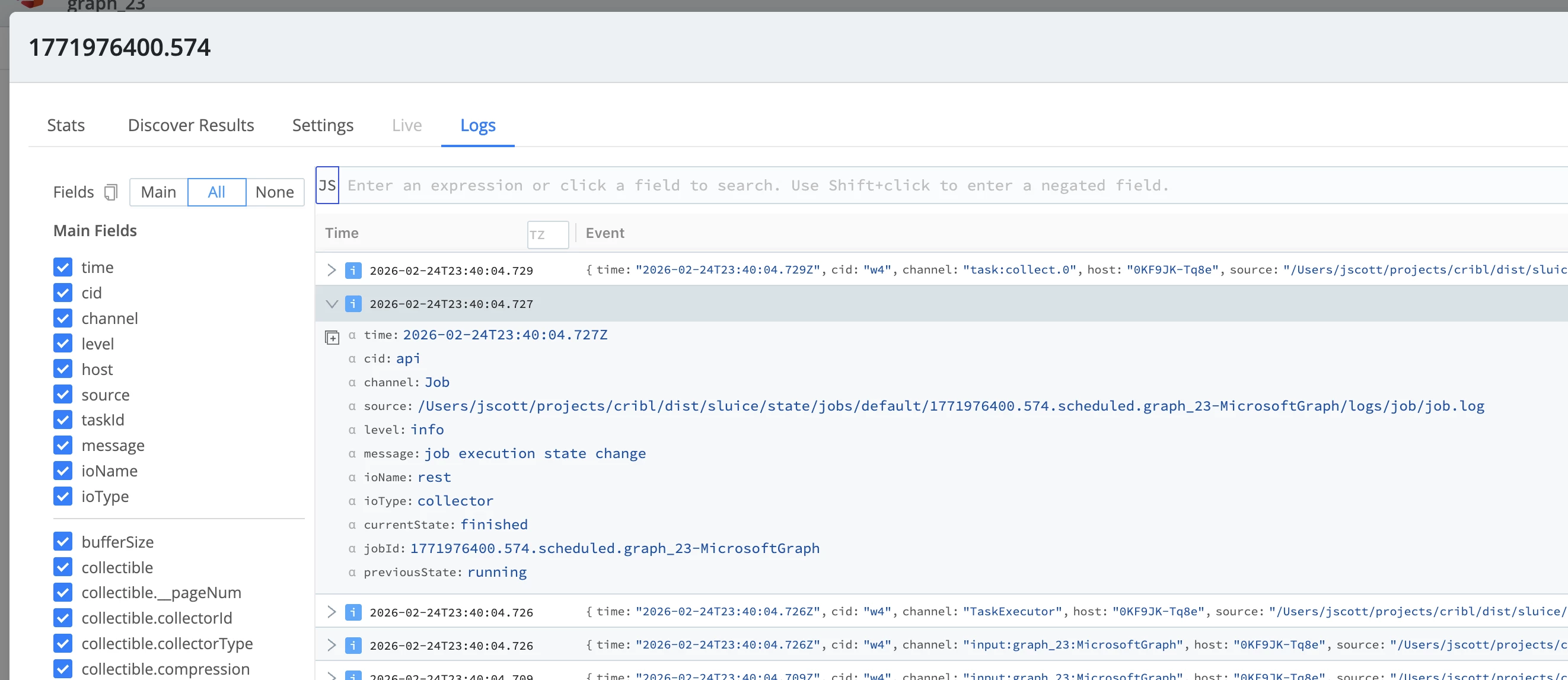
Go into Job Inspector to see the individual collection jobs.

-
Click the row of the failed job (not the Job Name link).
-
If the job fails, the status will appear with a red exclamation icon.

-
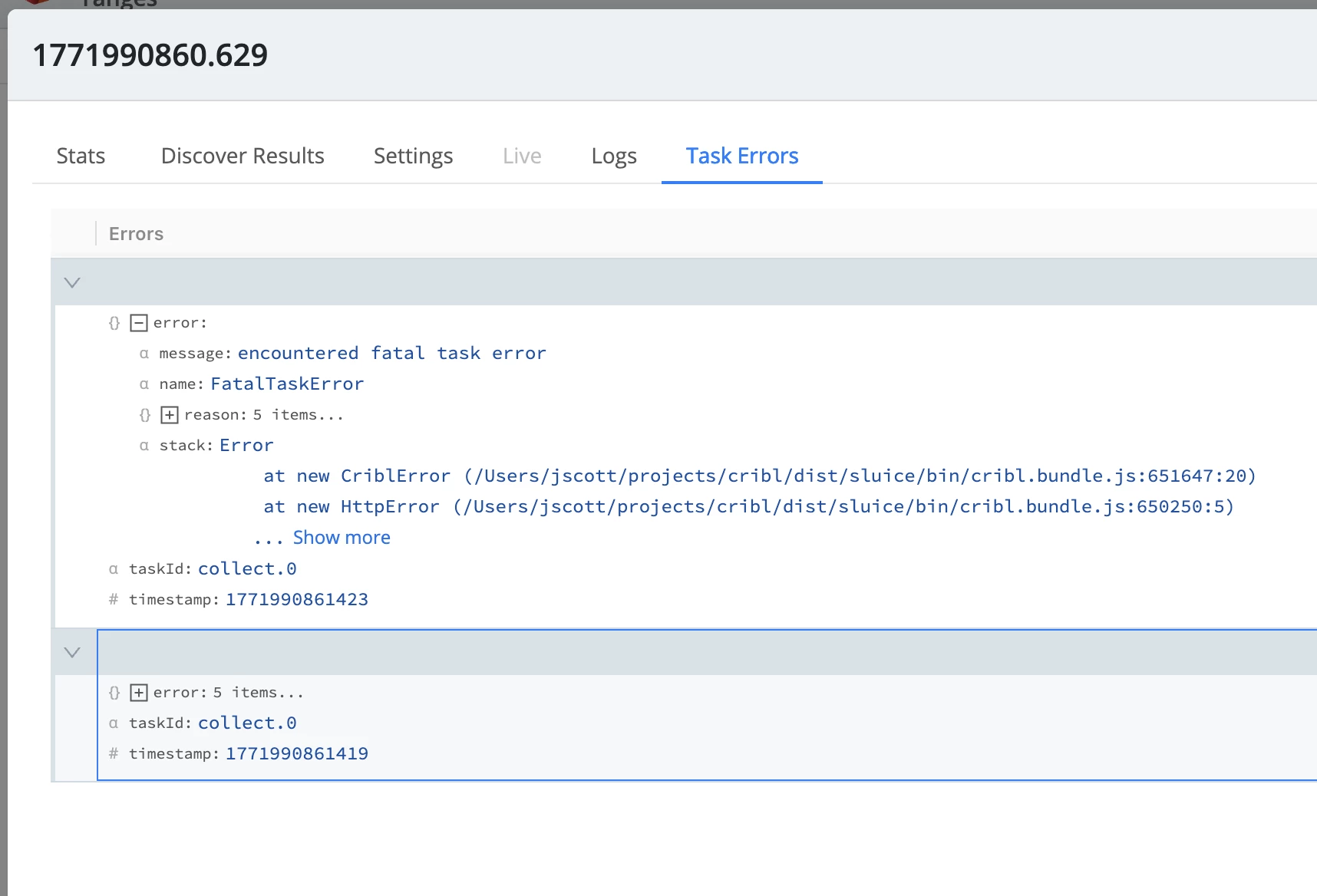
Navigate to Logs or Task Errors tab to learn more about the error and failure reason.
Advanced Configurations
Date Range Filters
The user can limit message trace retrieval using date ranges in the form of filters. To apply a date range, expand Optional Settings and use the backward offset format.
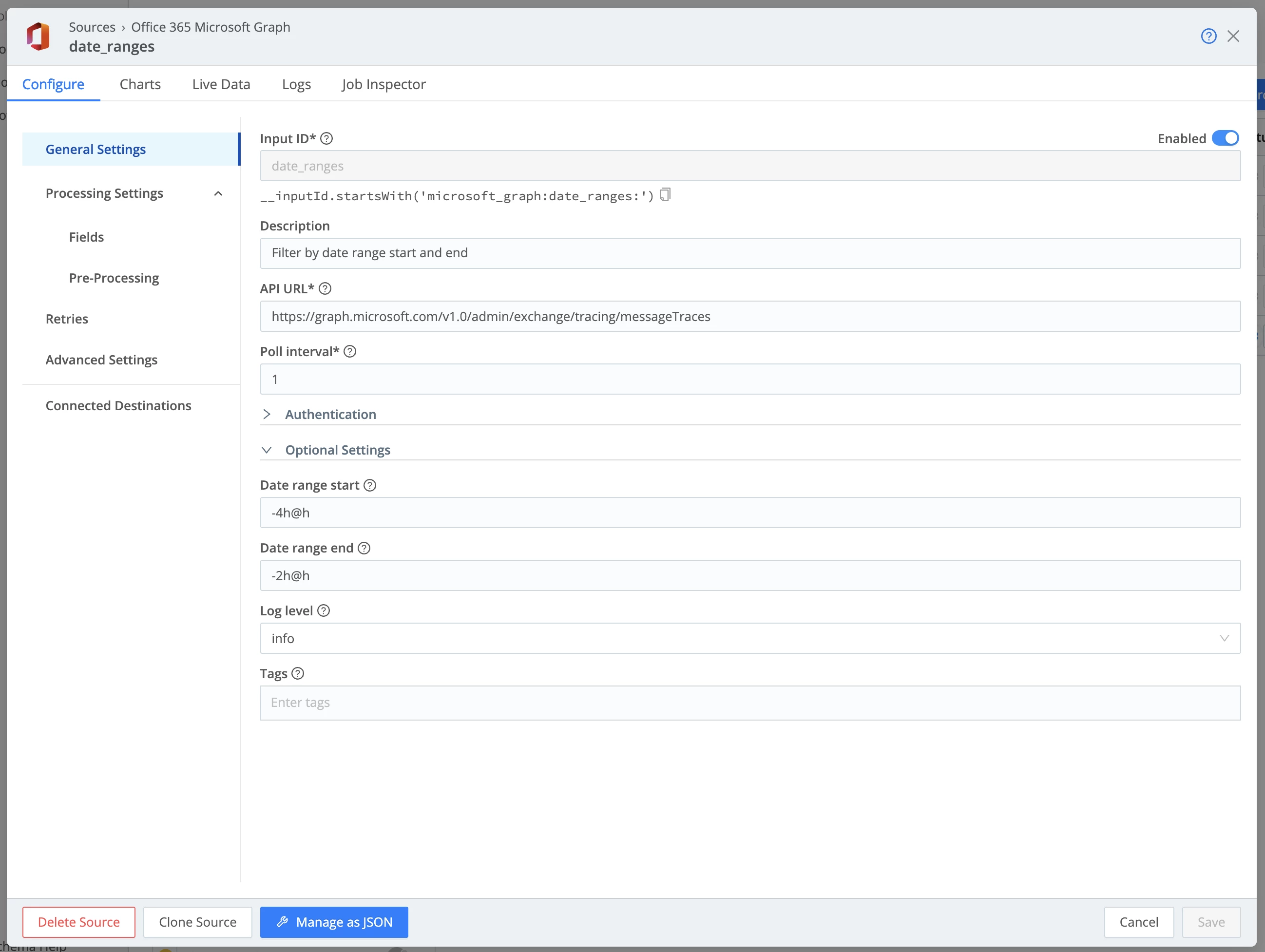
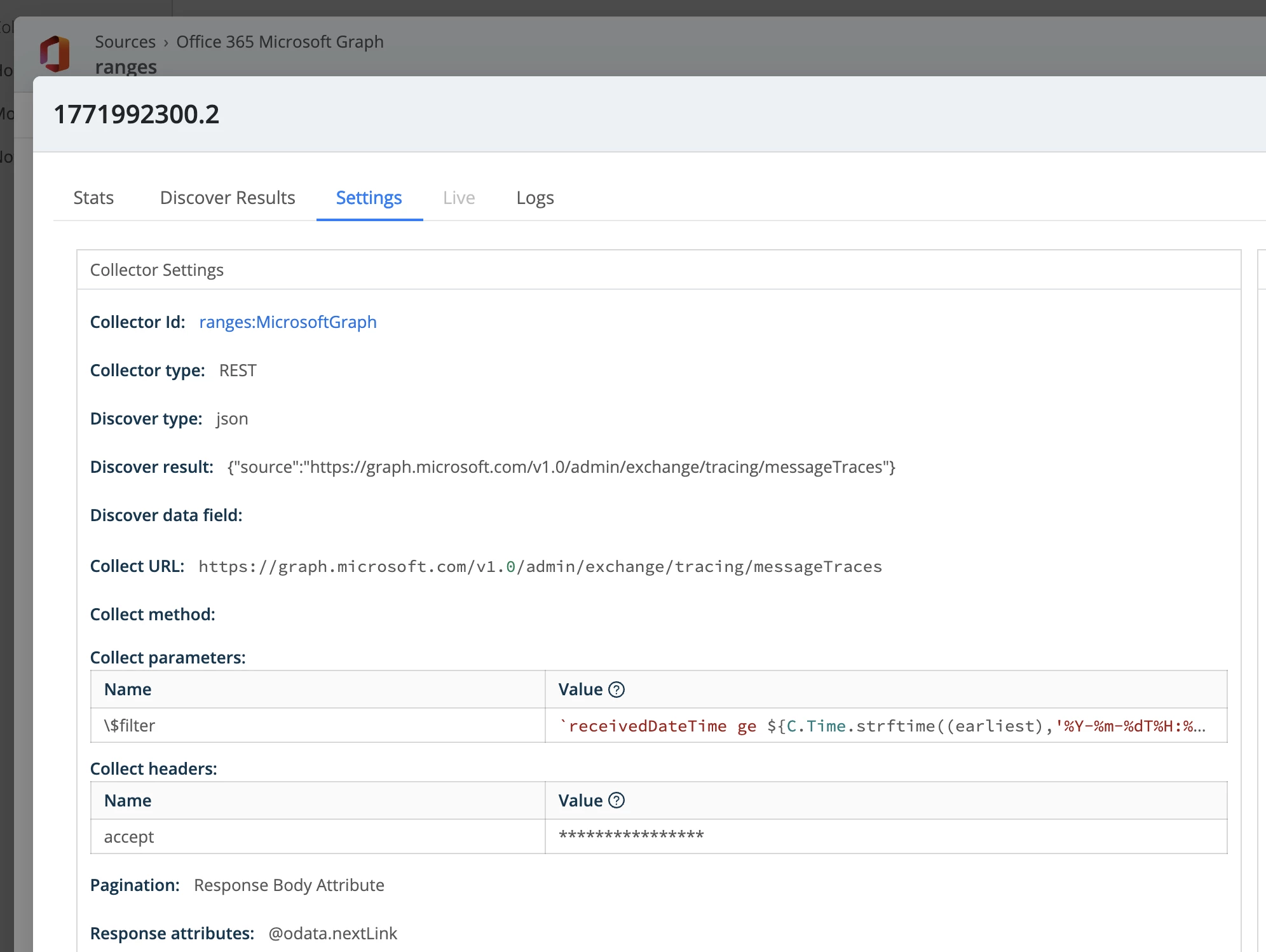
The backward offsets are converted into $filter parameters before each job execution.
Invalid date range entries will result in errors when attempting to save the configuration.
