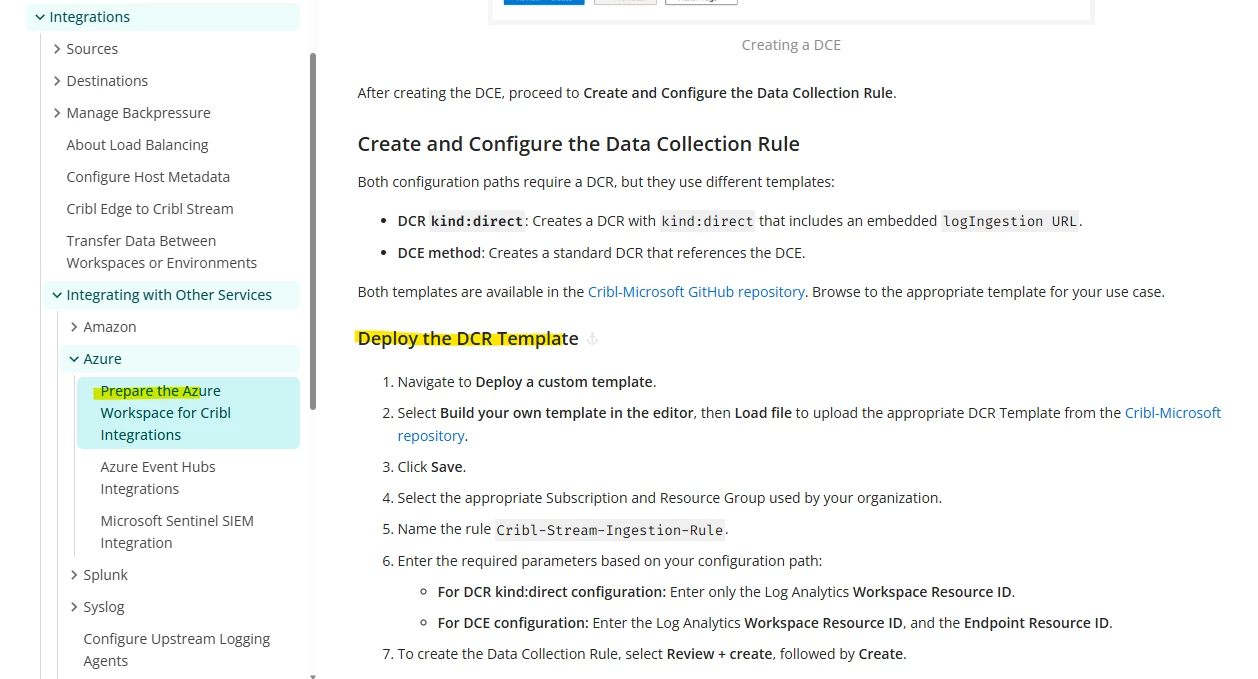
Good morning. I am new user, and I am going through the DCR section of the Prepare the Azure Workspace walkthrough.
I have found the jsons here, however nowhere in any of the instructions does it say which DCR json to load for this setup process, and none are named in such a way to obviously be the one I’m looking for.
Anyone has any advice on this? Or am I just completely reading this incorrectly?
Best answer by rcalvert
Hello, the DCRs you’ll need depend on which tables within Microsoft Sentinel you wish to send data into. If you are getting started with Sentinel for the first time, a good table to look at is “CommonSecurityLog”. This is a big/popular table that is quite commonly used for various logs. Once you’ve decided on your table, the DCR you’ll need has a matching name.
Hello, the DCRs you’ll need depend on which tables within Microsoft Sentinel you wish to send data into. If you are getting started with Sentinel for the first time, a good table to look at is “CommonSecurityLog”. This is a big/popular table that is quite commonly used for various logs. Once you’ve decided on your table, the DCR you’ll need has a matching name.