Question

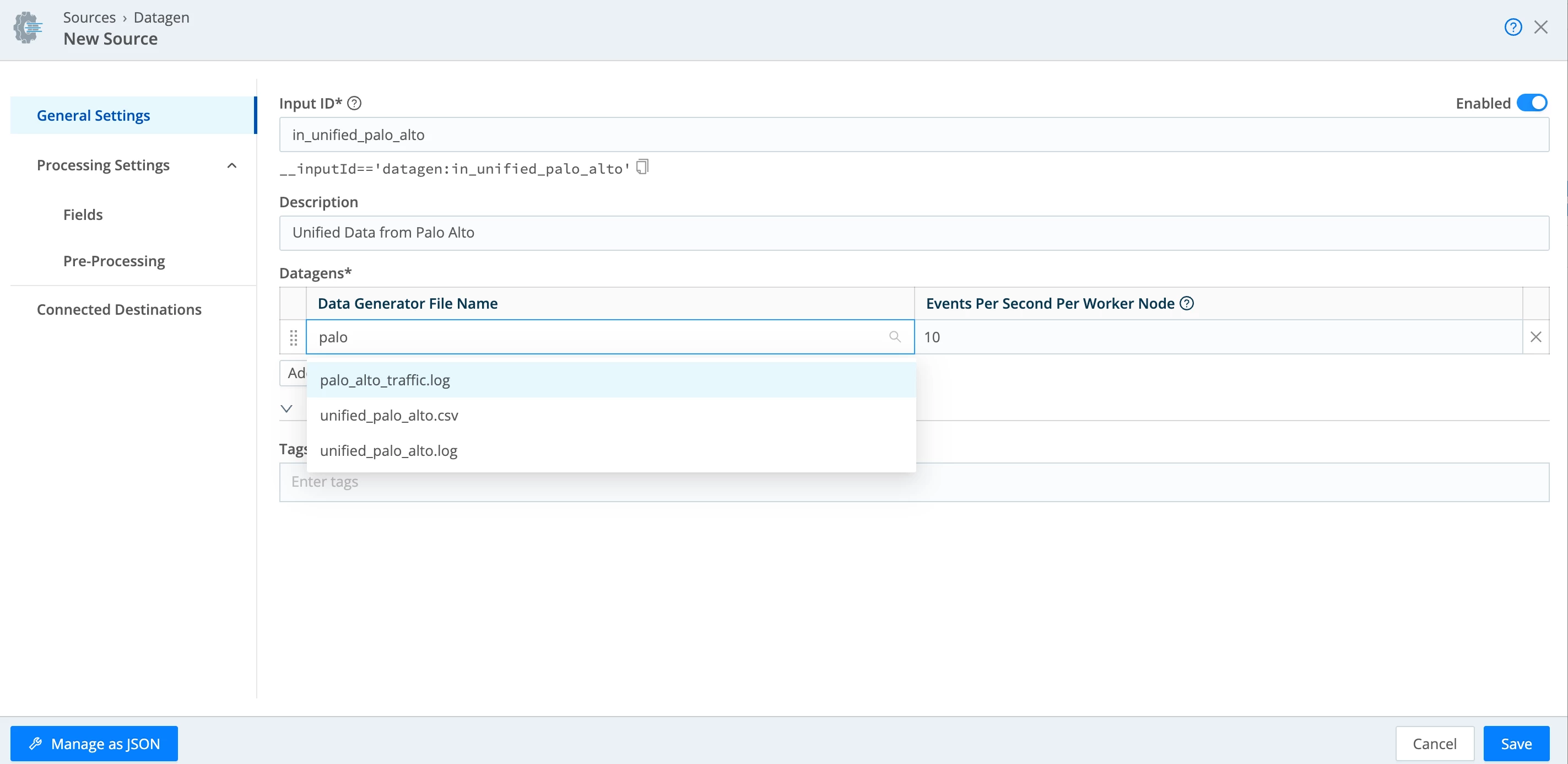
unable to find unified_palo_alto.log in the dropdown present in Datagen Source

  • March 9, 2026
  • 3 replies
  • 52 views

MK Giri Bogish

unable to find unified_palo_alto.log in the dropdown present in Datagen Source, hence unable to complete the lab, I don't have chance of manually uploading of the log file to the datagen. Can some one help on resolving the issue

3 replies

cbreshears
Forum|alt.badge.img+1
  • Community Manager
  • March 9, 2026

Make sure you are in the correct organization and workspace.  It will show at the top of the interface, make sure it matches the credentials you were given. Using an incognito window is the best solution when connecting to the lab server. 


Hello,

I am currently working on the Stream Sources & Destinations Lab and I believe there may be an issue with the lab environment and the documentation.

The instructions show that the Datagen source should use:

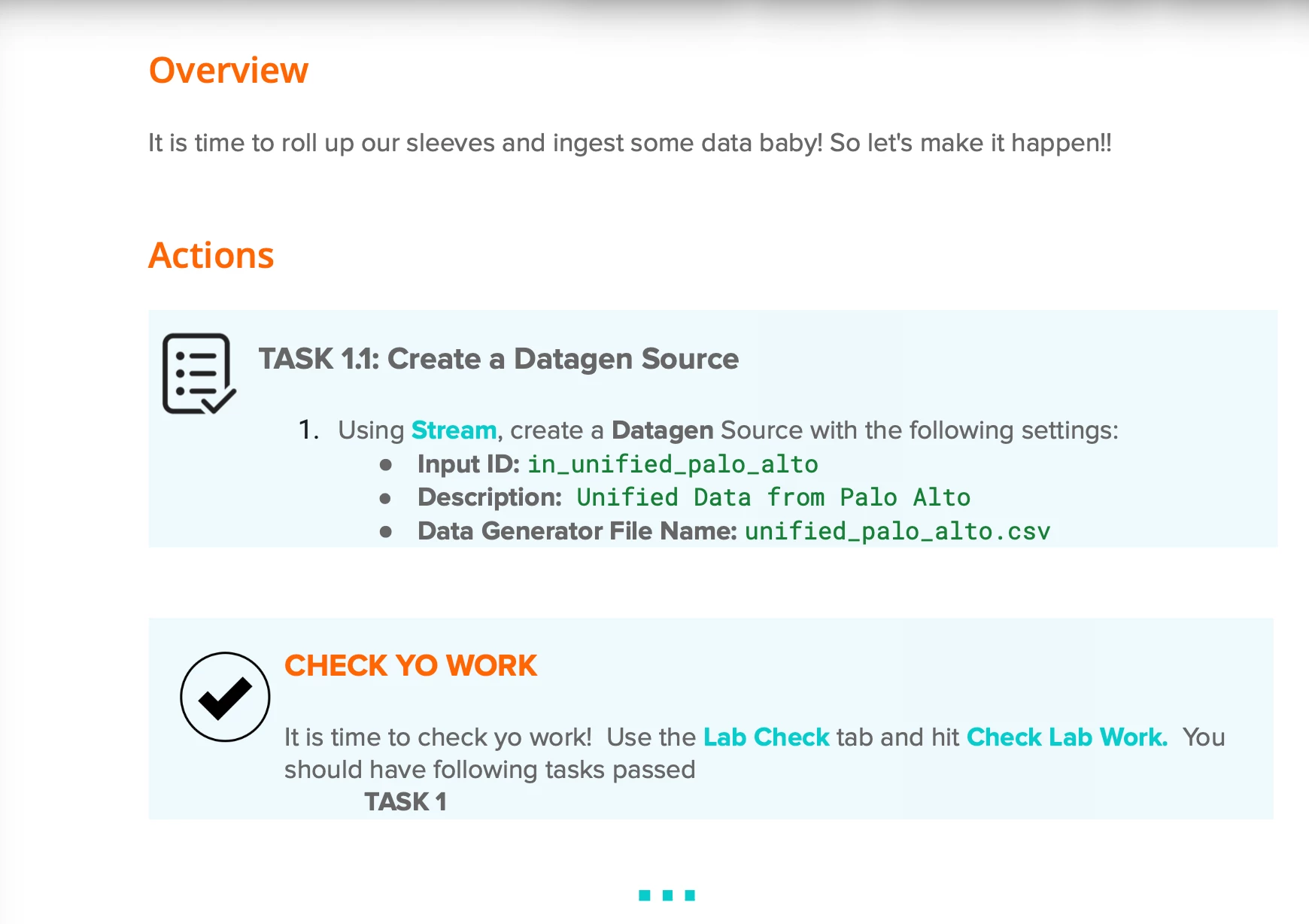
unified_palo_alto.csv


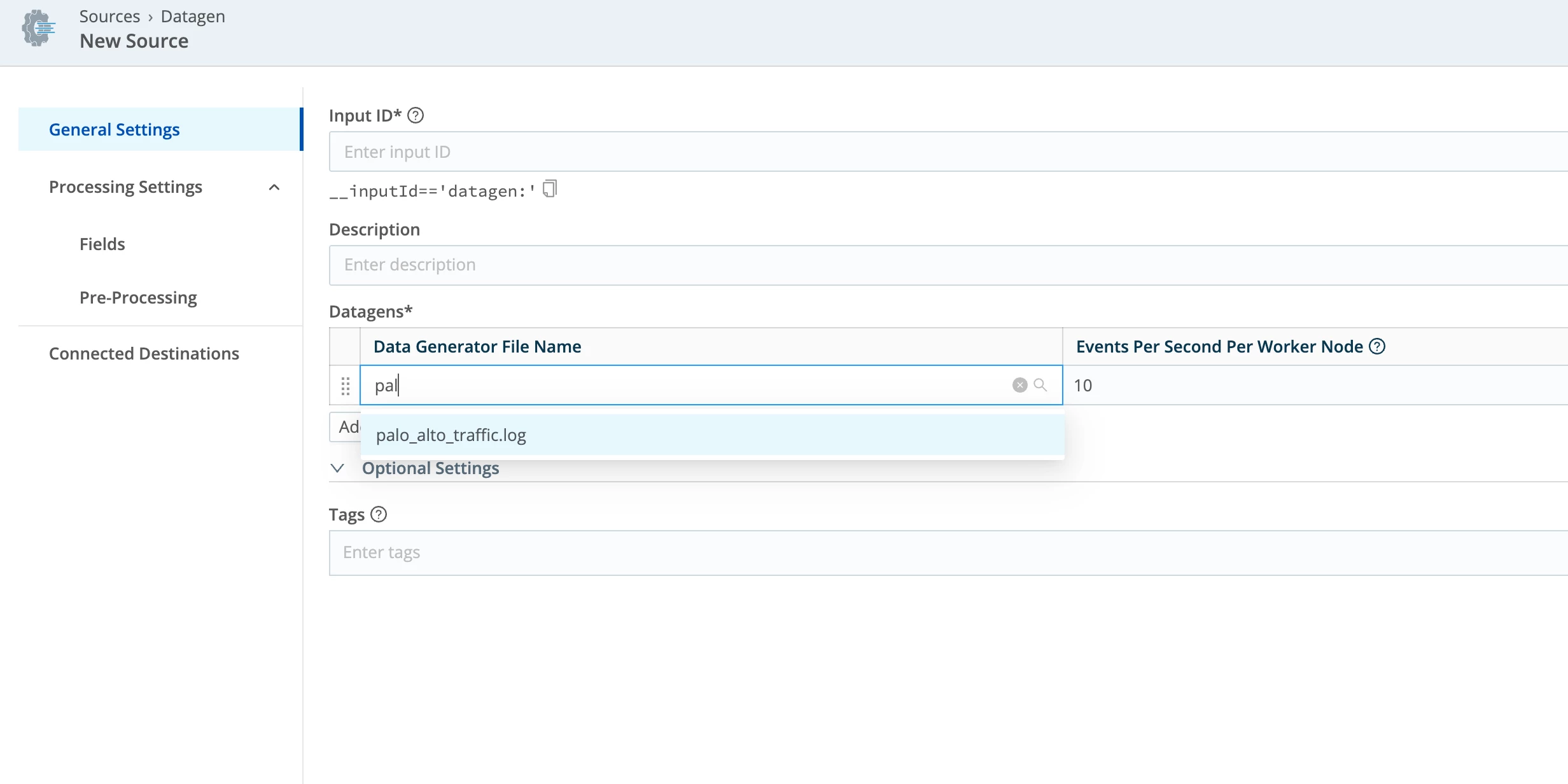
When configuring the Datagen source, the Data Generator File Name dropdown shows “No data”, so the file unified_palo_alto.csv  is not available to select.
 

I can see only palo_alto_traffic.log
 

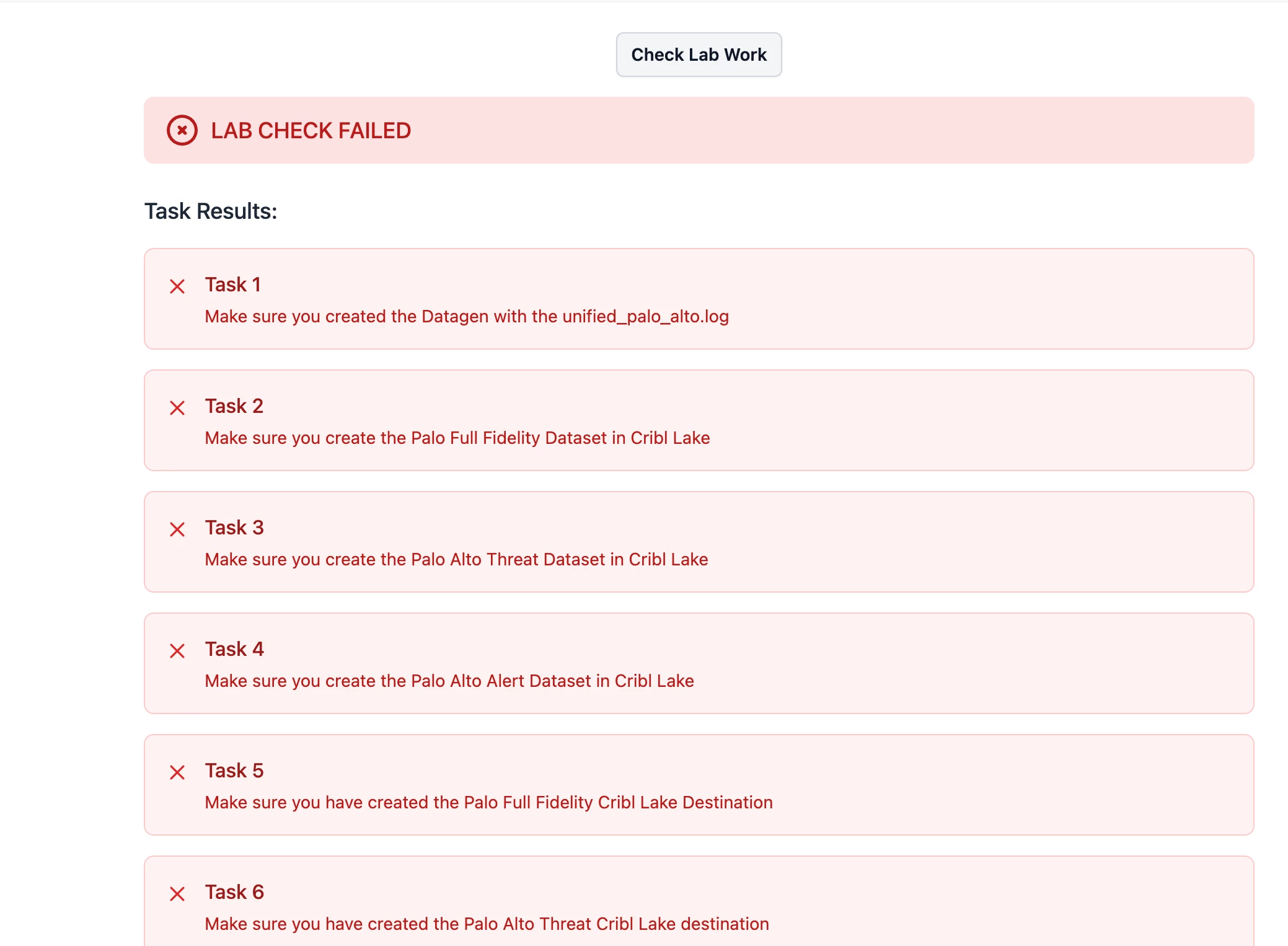
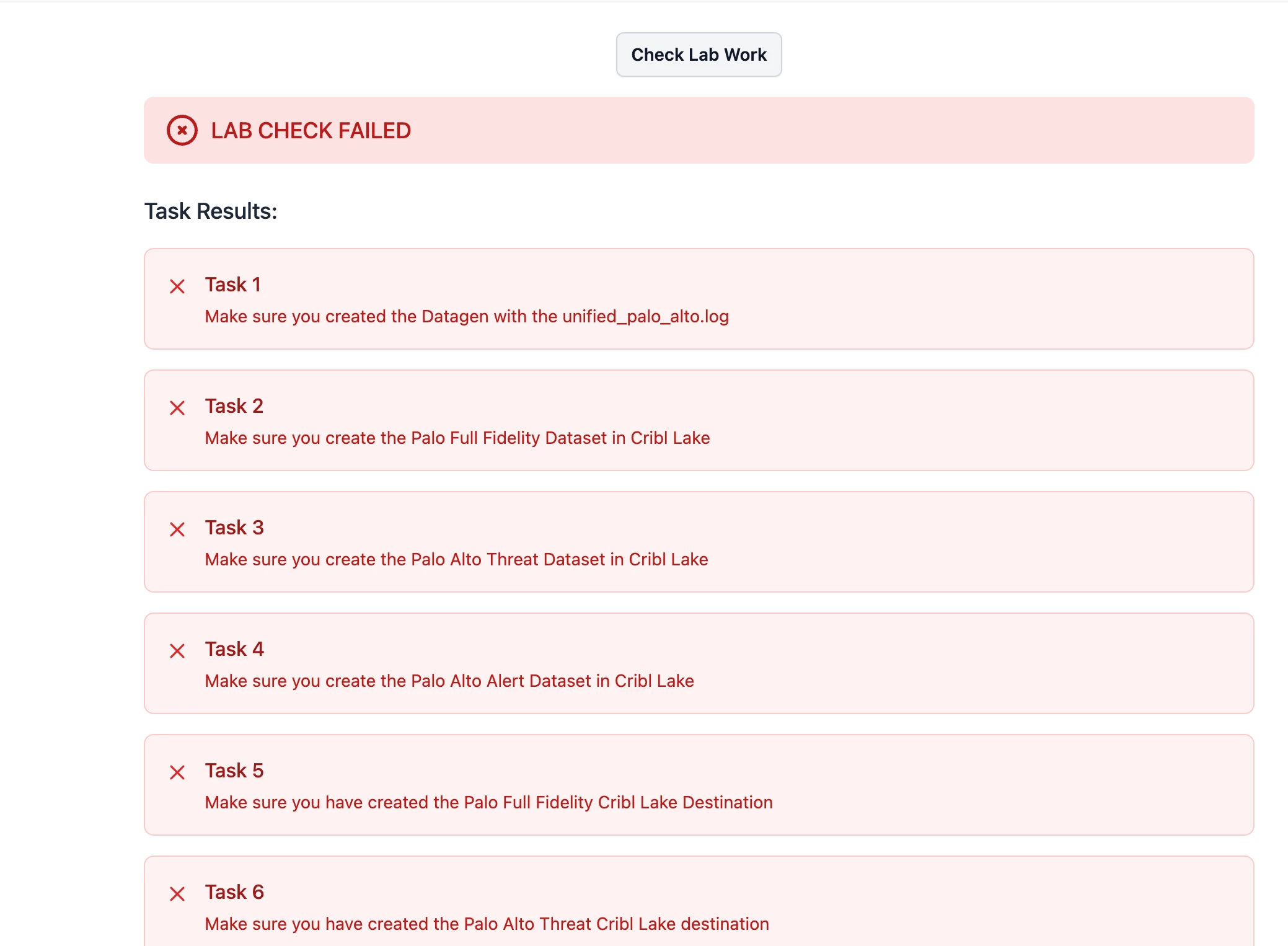
As for the instructions, I also attempted to manually create unified_palo_alto.csv , but the lab check  fails because expects unified_palo_alto.log


When I run Check Lab Work, the validator expects:

unified_palo_alto.log


So I manually created the  unified_palo_alto.log , but the lab check still fails even tough unified_palo_alto.log has been created and used in the configuration.


I have checked my setup:

  • I only have one organisation and one workspace (main)

  • I am in the correct workspace shown at the top of the interface

  • I tried opening the lab in an incognito browser window
     

Because if this  I cannot complete the lab so I’m blocked to progress with my certification.
 

Is it possible to escalate this to the training/lab team to check whether the lab workspace was provisioned with the required Datagen sample files and verify the documentation is consistent with the lab environment? 

Thank you.

Phillip


  • Employee
  • March 16, 2026

Hey Phillip,

    This looks like you did not log into the lab environment.  I cannot tell since you did not provide a screenshot of the whole Cribl UI but go ahead and give it another chance by making sure you use an incognito window and using the lab credentials.  If you would like more information, take a look at the first lesson that is part of the lab course.

Thank You,

Mariano